

Scheduled delivery
A schedule delivers saved reports and datasets by email on a recurrence. It is the difference between reporting someone has to remember to run and reporting that simply arrives.
The Scheduler is not a feature of reports — it is their sibling. A schedule carries reports, datasets, or both, so a bare dataset can be mailed as a spreadsheet with no report existing anywhere. It lives under Logging & Reports → Reporting → Scheduler, and nothing ships pre-scheduled: a fresh install starts with an empty list.
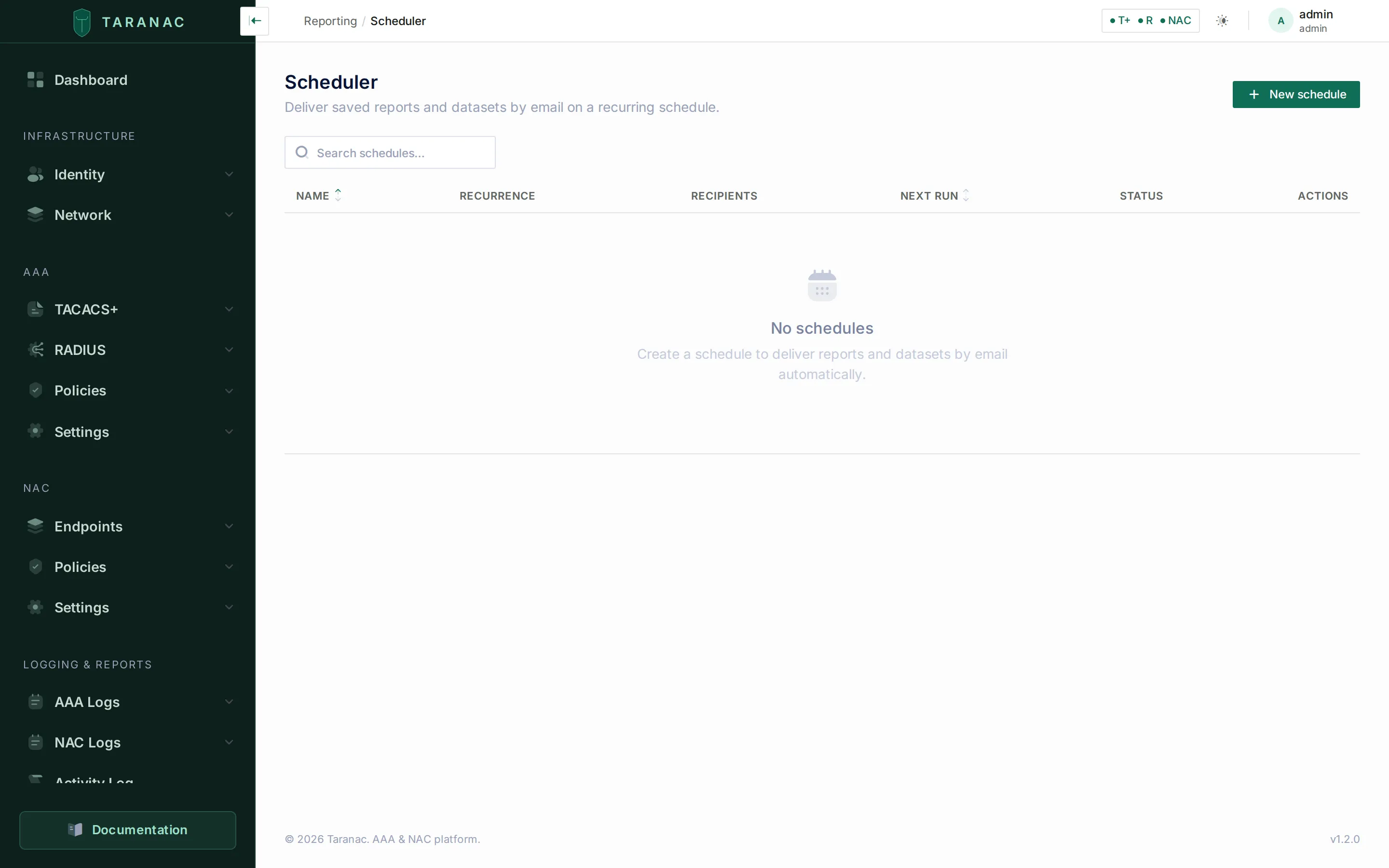 The Scheduler lists every delivery with its recurrence, recipient count, next run and
status, plus per-row Send now, Edit and Delete. Searchable by name, sortable
by name and next run.
The Scheduler lists every delivery with its recurrence, recipient count, next run and
status, plus per-row Send now, Edit and Delete. Searchable by name, sortable
by name and next run.
What a schedule holds
Section titled “What a schedule holds”Name — unique across schedules, up to 128 characters.
Deliverables — the reports and datasets to send; at least one is required. A schedule can carry several of each, so one Monday-morning email holds the whole operations pack rather than four separate messages. Reports are always delivered as PDF — no choice is offered. For each dataset you pick the format from what its template allows: a raw-table dataset offers CSV, Excel or PDF, a preset offers PDF only. The picker shows each dataset’s formats before you add it, and the per-row select is limited to them afterwards.
Recurrence — daily, weekly (pick the weekday) or monthly (pick the day of
the month), each with a time of day in 24-hour HH:MM. A new schedule opens as daily at
09:00. In a month shorter than the chosen day the monthly delivery moves to the last day
rather than skipping the month — the 31st fires on 28 or 29 February.
Active window — a start and an optional end. Nothing fires before the start, and a start set in the future delays the first delivery to the window opening instead of firing straight away. Leave the end empty and the schedule never expires.
Recipients — user groups, literal email addresses, or both; at least one of the two.
Enabled — a disabled schedule keeps all its settings and never fires. Use it to pause a delivery without rebuilding it.
Who actually receives it
Section titled “Who actually receives it”Recipients are resolved at send time, not at save time. Each recipient group is expanded to its members’ email addresses, unioned with the addresses typed into the form, and then deduplicated by address, case-insensitively: two people in two different groups who share a mailbox get one copy, not two. A member with no address, or with one that does not parse, is skipped — group membership is not a promise of a working mailbox.
Because the expansion happens per delivery, adding someone to a recipient group puts them on the next email without anyone touching the schedule.
Each recipient gets their own message, addressed individually. Nobody is Cc’d, and the recipient list is not visible in the mail.
The window stays relative
Section titled “The window stays relative”This is the part worth understanding, because it is what makes a schedule set-and-forget.
A schedule does not freeze the period. It stores nothing about the data and no date range of its own; it triggers exactly the same generation path as the export button, and the window is resolved at the moment each delivery is produced. The relative period lives on the dataset, which is why it never has to be rolled forward.
So a dataset scoped to “last 7 days” means the last seven days of every delivery. Configure it once in July and the January email is still about the week that just ended. Nothing decays, and nobody has to go back and roll the dates forward.
The corollary: if you need a fixed window — a specific audit quarter that must not move — set an absolute global period on the report itself, and schedule that.
How it fires
Section titled “How it fires”One background job — Report Delivery Scheduler, listed under Settings → Workers — wakes about once a minute, asks the database which schedules are due, delivers them, and advances each to its next run. There are no per-schedule timers anywhere: the database is the source of truth, so schedules survive a restart, an upgrade and an edit without anything needing to be re-registered. Disabling that one job on the Workers page stops every delivery at once.
Missed occurrences do not stack. If the platform is down for three days, a daily schedule is simply overdue when it comes back: it delivers once, then advances to the next occurrence from the current time. The same applies to a schedule left disabled for a month — re-enabling it does not re-plan the next run, so it fires on the following tick and settles back into its recurrence from there.
Times are wall-clock times in the system timezone — the zone Taranac reads from the host at start-up, not a per-schedule or per-user setting. Because it is a wall-clock time, 09:00 stays 09:00 across a daylight-saving change: the UTC offset moves, the delivery does not. In a high-availability deployment the zone is one cluster-wide value and only the leader runs the tick, so a report is generated and sent once, not once per node.
Attachments and the size limit
Section titled “Attachments and the size limit”Everything a delivery produces is packed into as few emails as possible, under a 20 MiB
per-message ceiling measured the way a mail server sees it — base64-encoded on the wire,
not raw bytes. Past that the delivery splits into several emails, and the subject picks up
a (part 1 of 2) marker so the pack is still readable as one thing.
A single attachment larger than the ceiling cannot be split, so it gets an email to itself and is sent anyway. That is best-effort: your relay may still refuse it. If one report regularly lands near the limit, narrow its period or split it across two schedules rather than relying on that.
Sending on demand
Section titled “Sending on demand”Send now delivers a schedule immediately without waiting for its next run, and without disturbing the recurrence — the next scheduled run is left exactly where it was. It is the right way to check that recipients and formats are correct before leaving a schedule to run on its own, and it is audited under your name rather than the system’s.
The result is reported back plainly: how many recipients it went to, and — if anything could not be produced — how many items were skipped and why. A delivery that partly fails does not fail silently.
When something goes wrong
Section titled “When something goes wrong”Nothing here retries a delivery. Each occurrence stands alone, and the schedule advances to its next run whether it succeeded or not — a failure never turns into a delivery that re-fires every minute, and it is never queued for later. What varies is how far the attempt gets before it stops:
- No usable recipient. Every group was empty or every address unparseable: the delivery is recorded as failed and nothing is rendered.
- Email is not configured. With SMTP disabled the delivery stops before any report is generated, and is recorded as failed. There is no outbox.
- A deliverable was deleted. A schedule references its reports and datasets by id and holds no hard link to them, so a target deleted after the schedule was saved is skipped with a reason while the rest of the pack still goes out. Saving is stricter than delivering: you cannot create or edit a schedule that points at something missing, or ask for a format the dataset’s template does not offer.
- The PDF renderer is unavailable. PDFs are printed by the
taranac-renderercontainer. If it is merely busy the item is retried twice, one and two seconds apart; if it is down or unreachable the item is skipped immediately. CSV and Excel never touch the renderer, so a mixed schedule still mails its spreadsheets — but a PDF-only schedule sends nothing at all. - The mail server rejects a message. Sending is per address, so a single bad mailbox does not stop the others. If at least one message got out the delivery counts as delivered; if none did, it is recorded as failed.
Anything skipped is carried in the delivery’s audit event, so a half-empty pack is explainable after the fact rather than a mystery.
Auditing
Section titled “Auditing”Every change is audited — REPORT_SCHEDULE_CREATED, REPORT_SCHEDULE_UPDATED,
REPORT_SCHEDULE_DELETED — and so is every delivery attempt: REPORT_DELIVERED when
something went out, carrying the recipients, the attachment filenames, how many emails it
took and anything skipped; REPORT_DELIVERY_FAILED when nothing did, carrying the
reason. Both record what triggered them, so a scheduled run and a Send now are
distinguishable afterwards. The mailer adds its own EMAIL_SENT / EMAIL_FAILED per
message.
There is deliberately no separate delivery-history table: the Activity Log is the history. “Who set this up and when did it last go out” is answerable after the fact rather than a matter of memory.
Permissions
Section titled “Permissions”Managing schedules needs reports.schedule, and that permission gates the whole surface —
every schedule endpoint and the sidebar entry. An account with reports.view sees
Reports and Datasets and never learns that the Scheduler exists, let alone that its data is
being mailed out nightly.
reports.schedule neither implies nor is implied by reports.export; the two are
independent on purpose. Treat them the same way, because they are the two doors through
which data leaves the product.
A misleading validation message
Section titled “A misleading validation message”If the API rejects a dataset deliverable, it says the item must be “a table dataset exportable as CSV or XLSX”. That message is out of date. PDF is a permitted delivery format, for raw-table datasets and presets alike, and the code accepts it — the UI even offers it. Read the message as “this dataset’s template does not offer the format you asked for” and check the format select, not the letter of the text.
Common scenarios
Section titled “Common scenarios”Weekly operations digest. One schedule, weekly on Monday at 08:00, carrying one report with a global relative period of 7 days.
Monthly compliance pack. Monthly on the 1st, carrying the review report. If the pack must cover an exact month rather than a rolling 30 days, give the report an absolute period and update it each cycle — or accept the rolling window and say so on the cover.
A spreadsheet for someone who lives in Excel. A dataset delivered as XLSX, daily, with no report attached at all. Schedules are not report-only.
A delivery that stops on its own. A migration window you want watched for six weeks: set an end date on the active window and the schedule expires by itself instead of quietly mailing a stale pack forever.